
Whole-kit view
See every pad and its assignments together instead of remembering what is hidden behind each hardware menu.
SX 9 Pad Editor · Roland SPD-SX
Edit kits and pads, import your own samples, and see the SPD-SX’s wave library without navigating the hardware one menu at a time.
Browse the actual SX 9 interface on Mac, iPad, and iPhone. Swipe each row to see the complete App Store screenshot set.
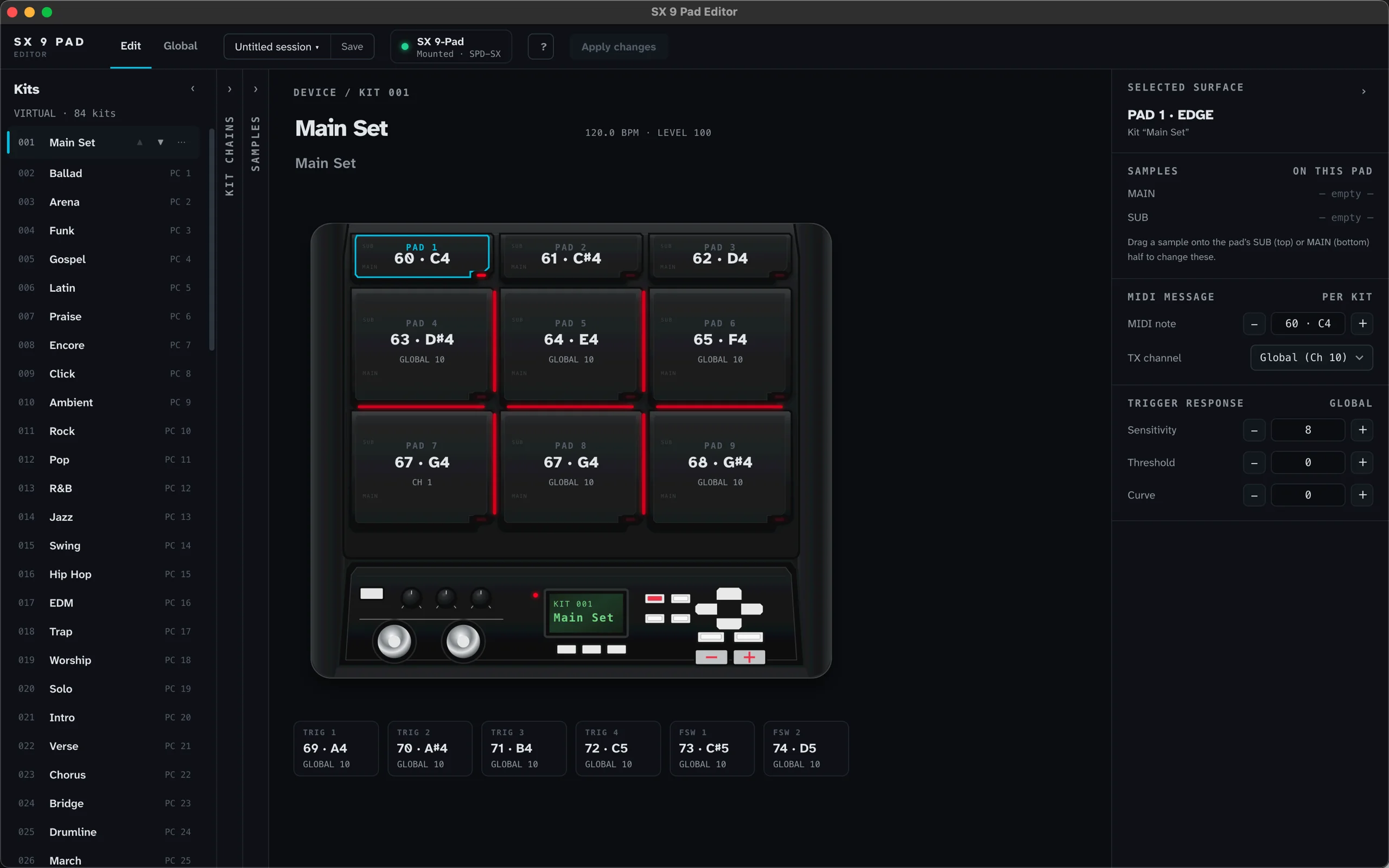
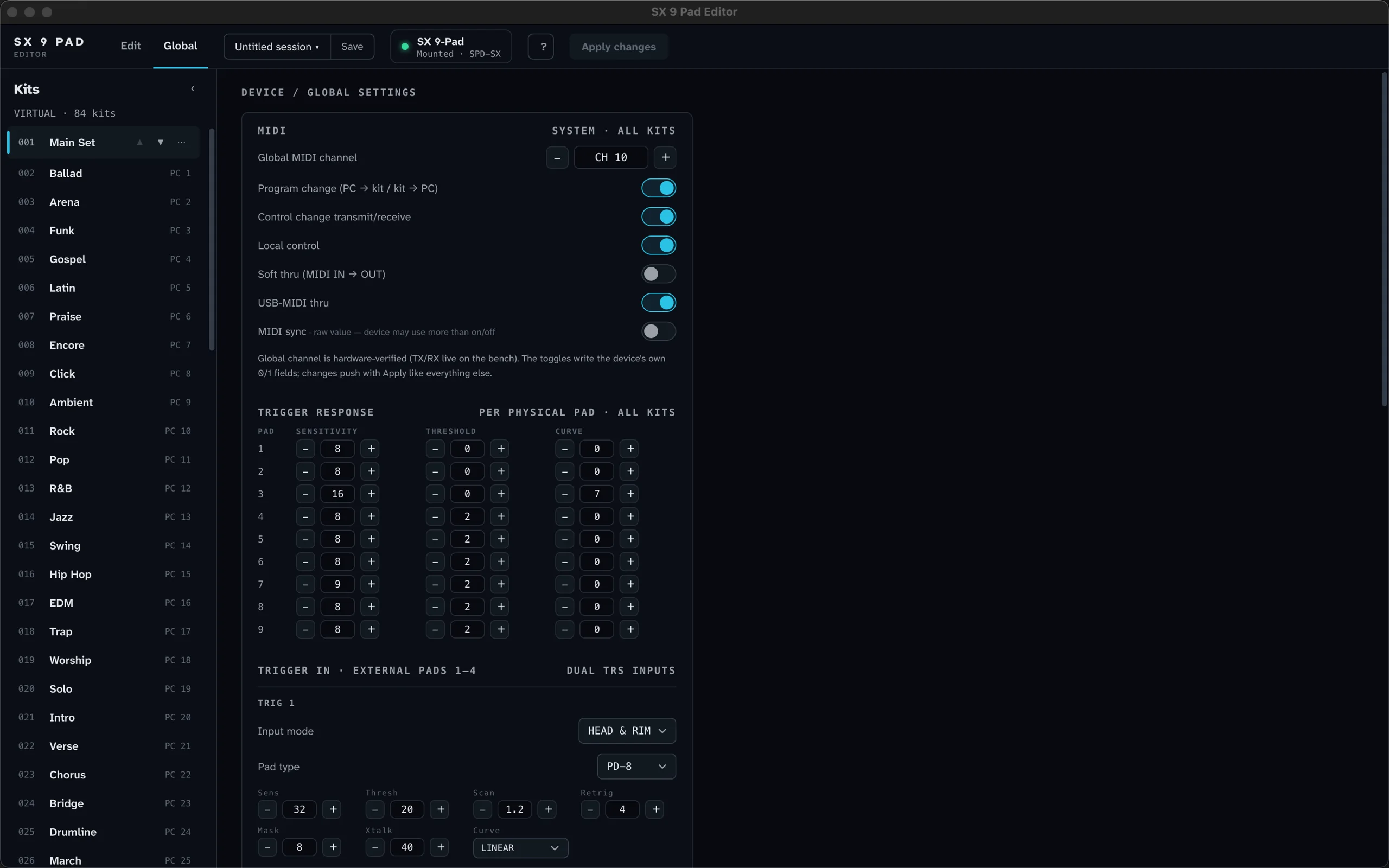
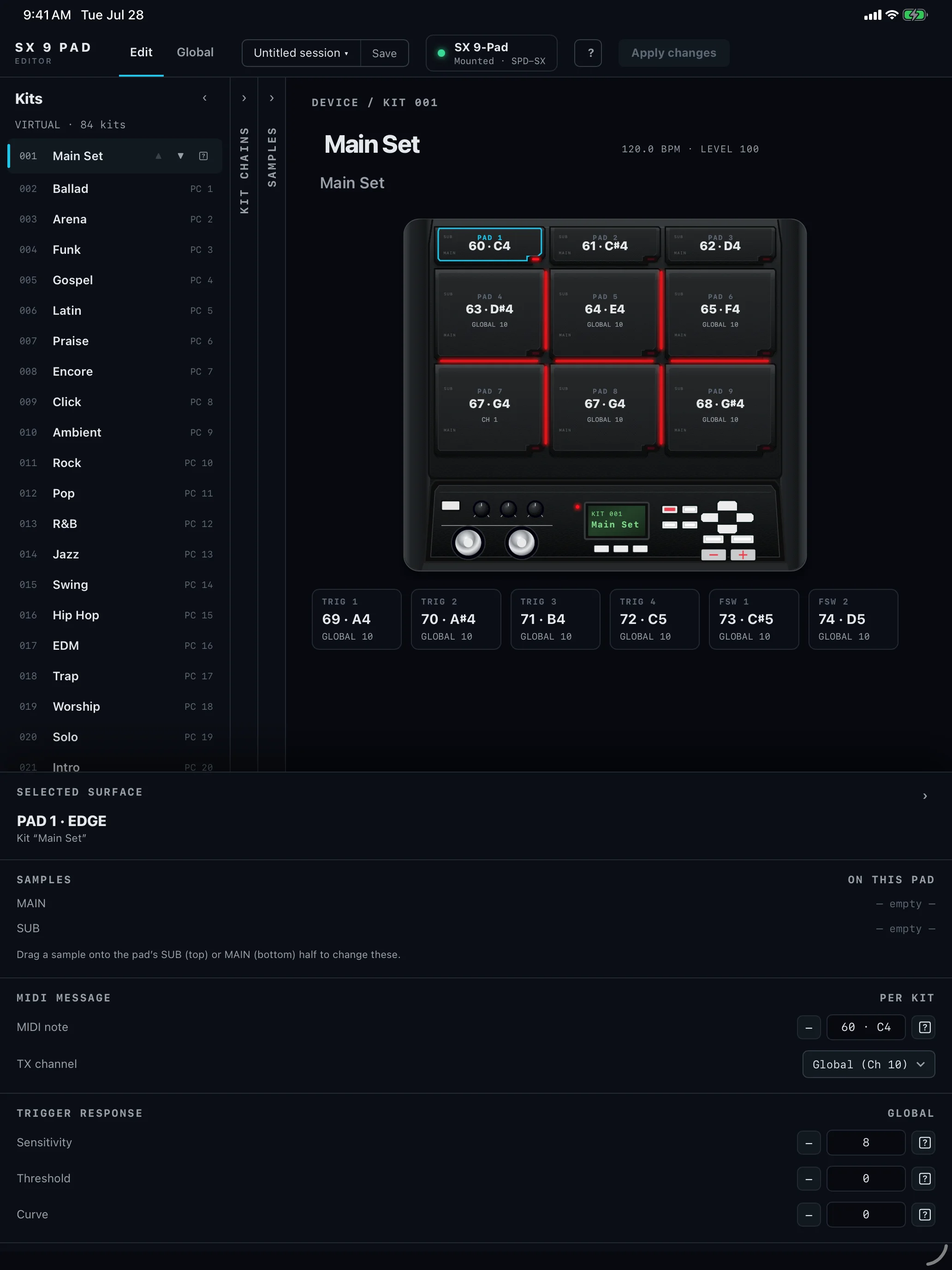
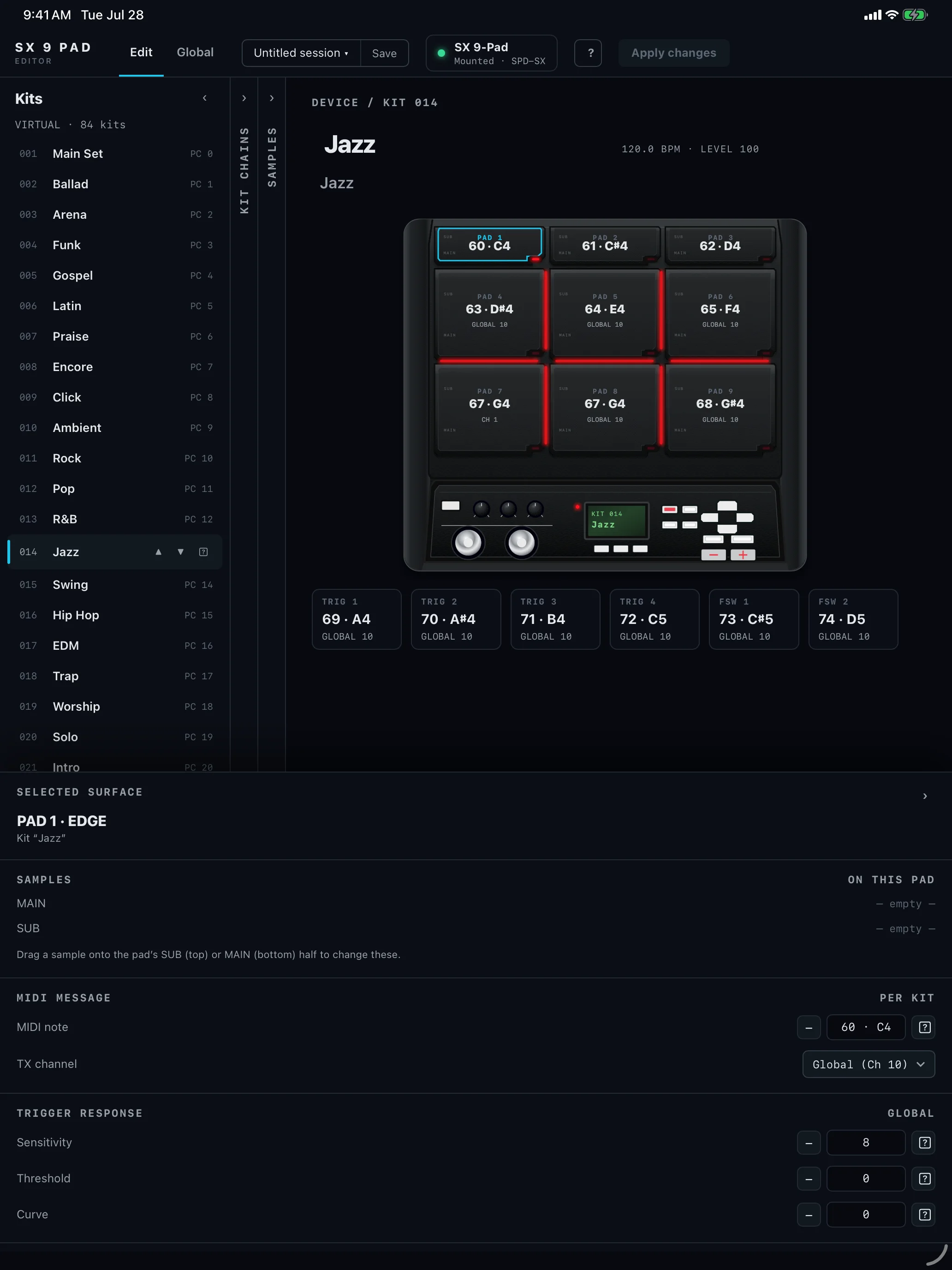
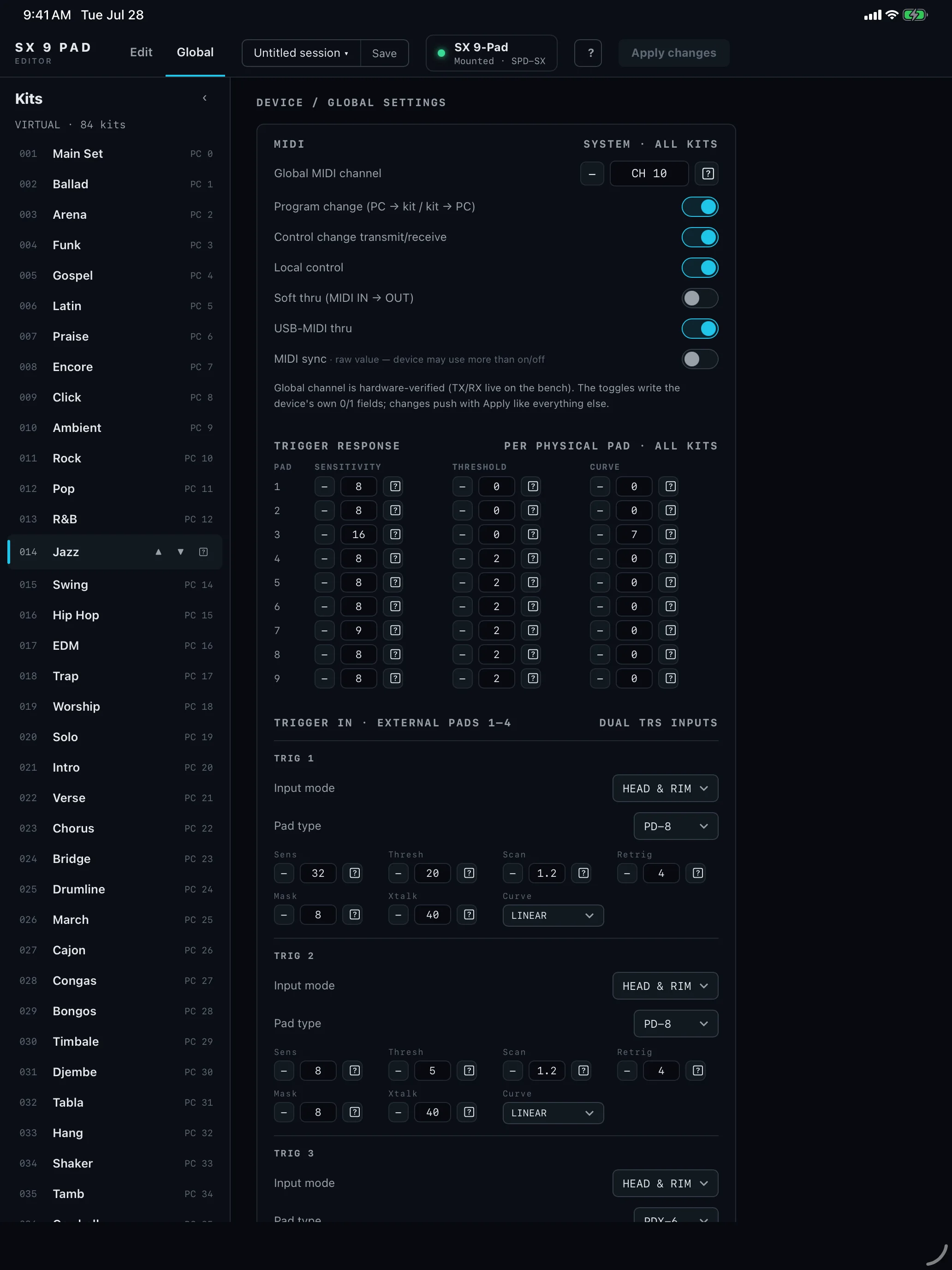
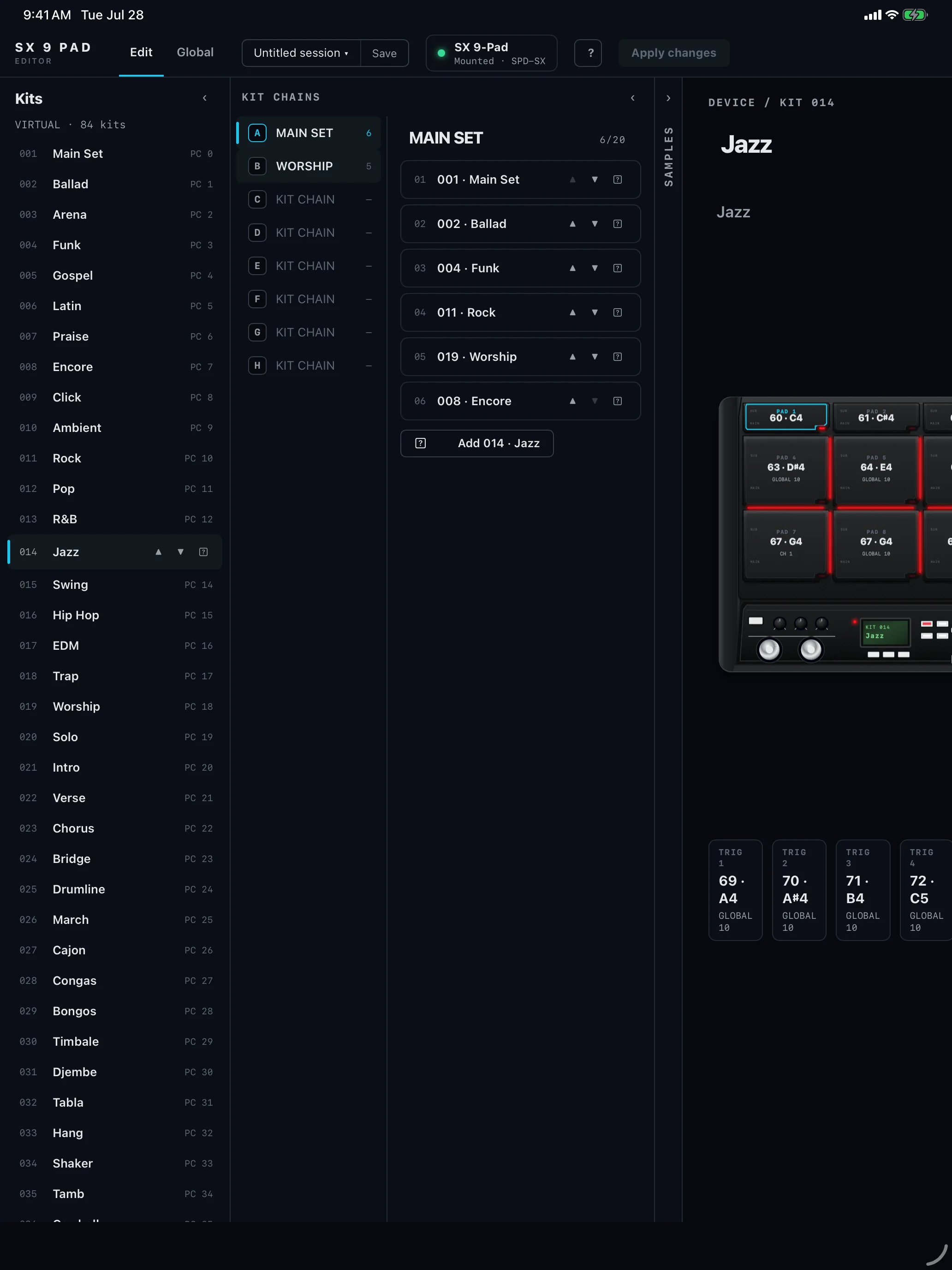
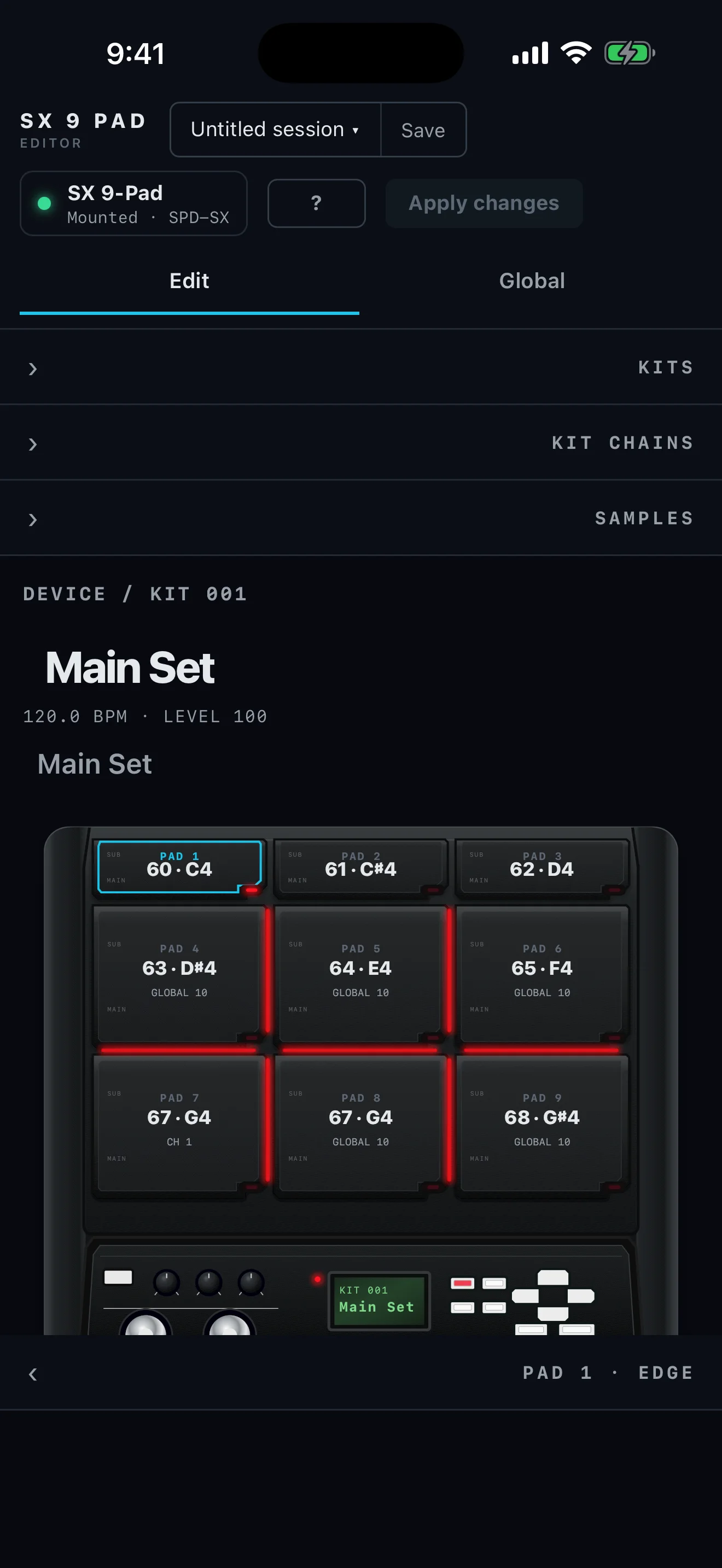
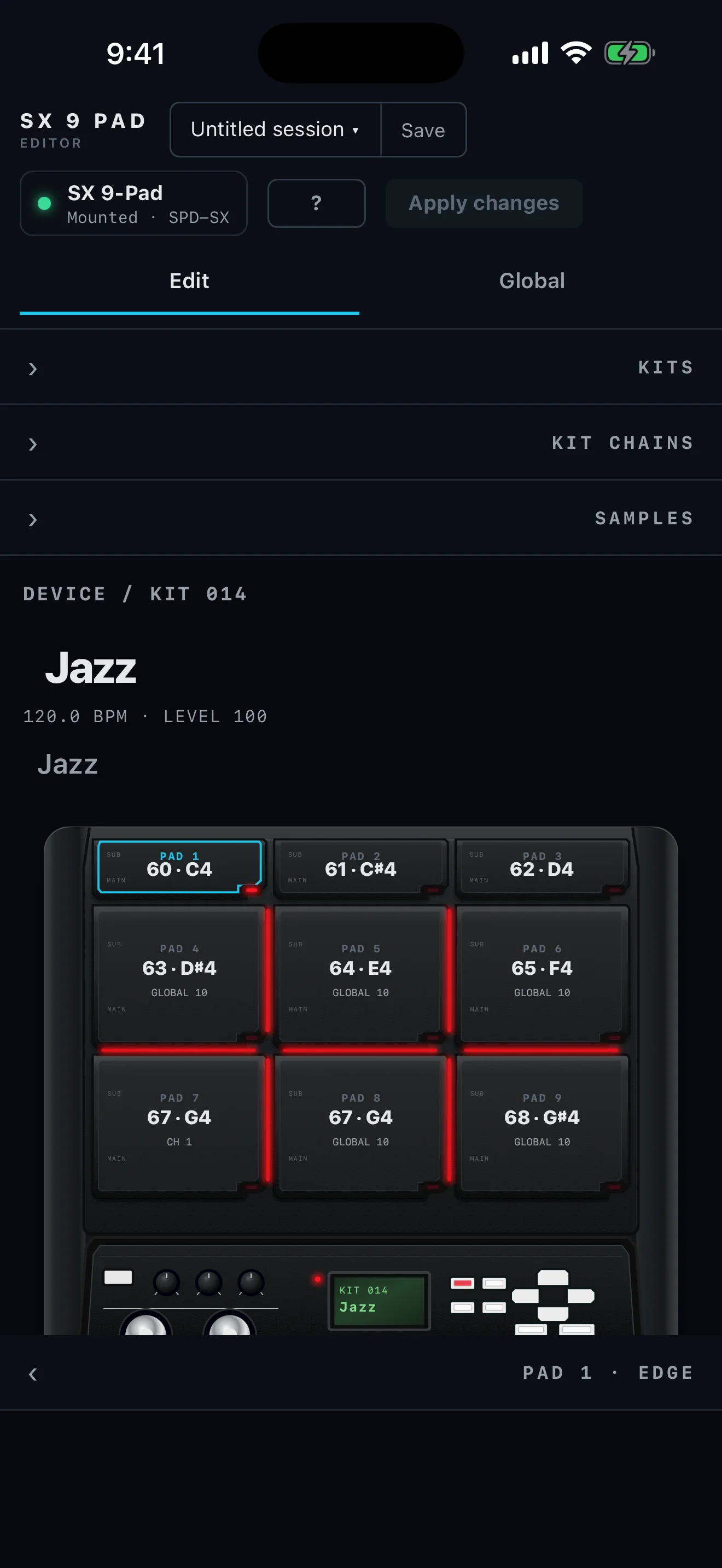
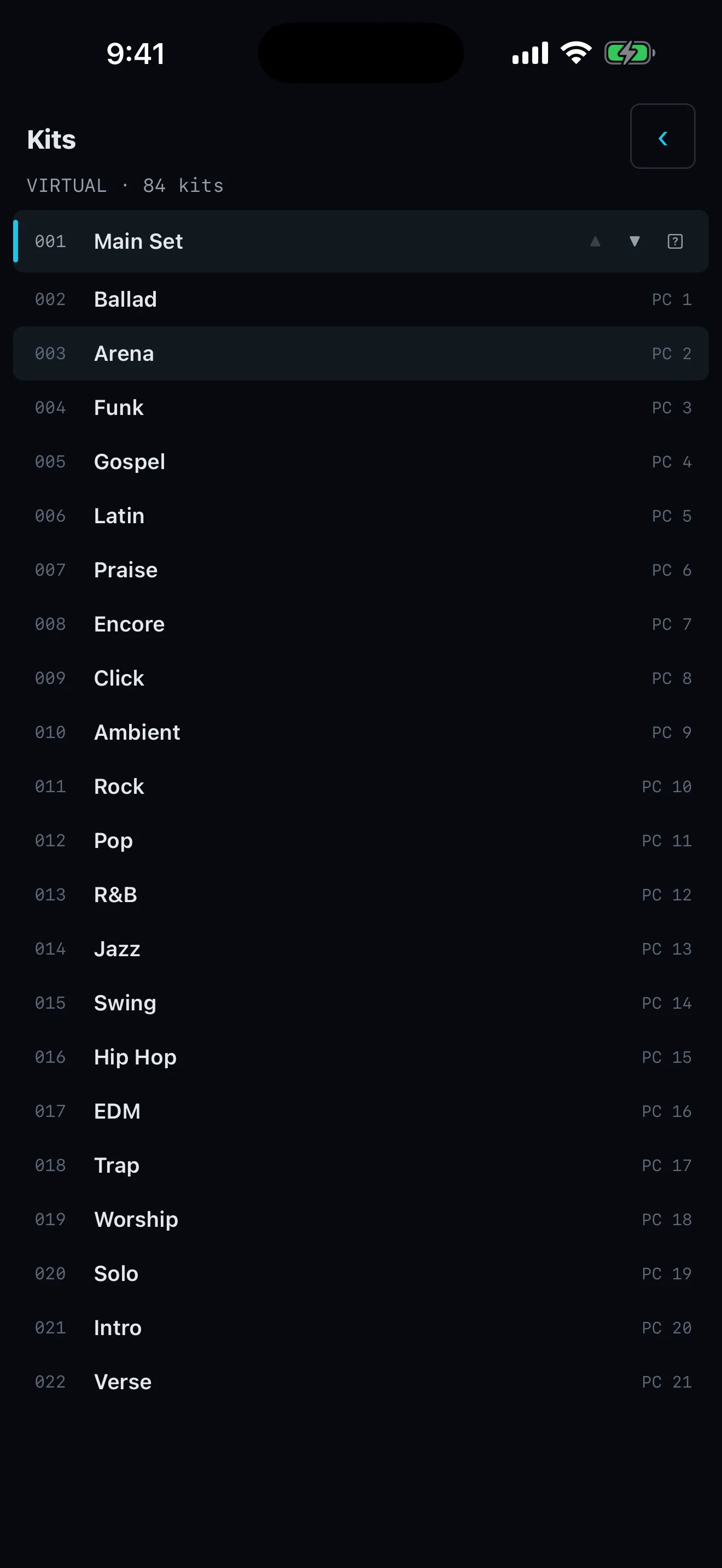
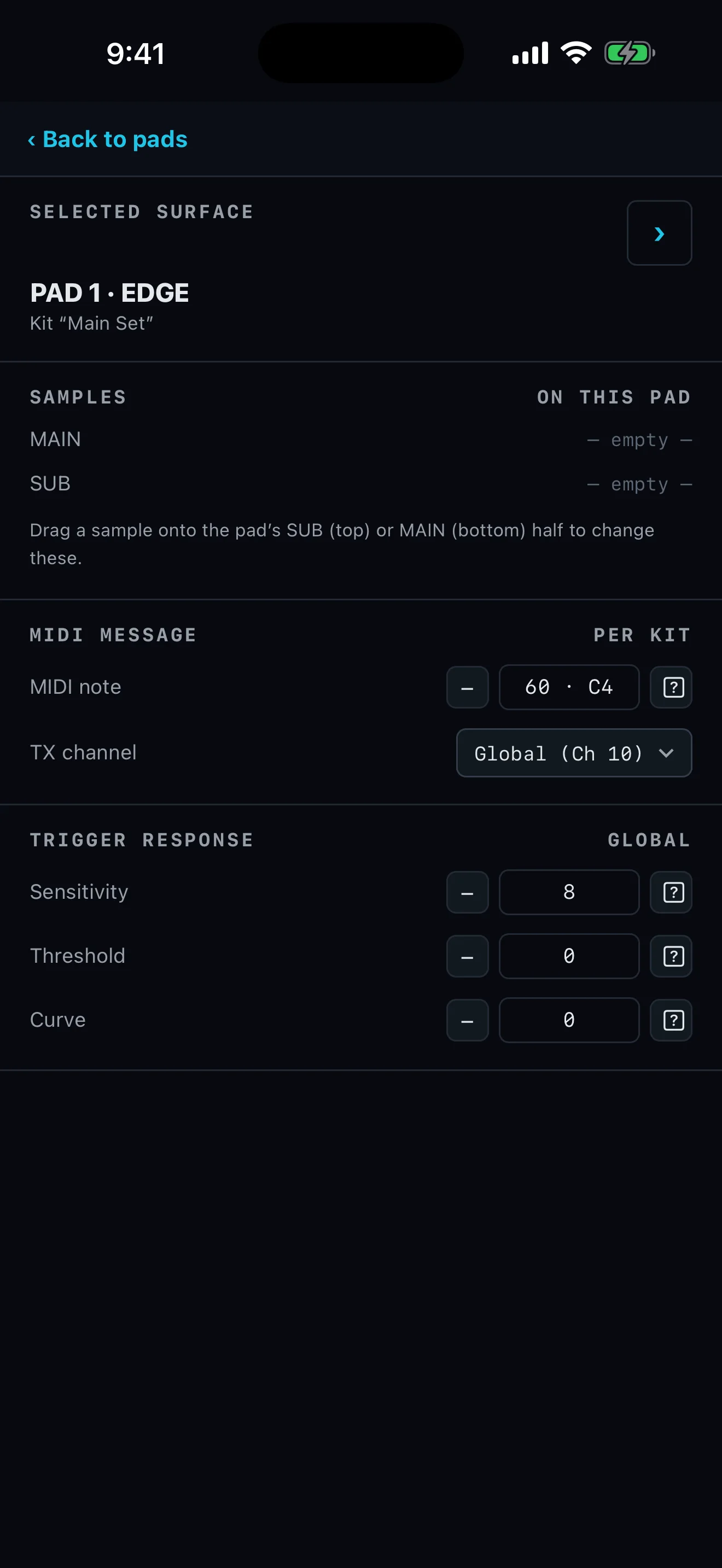

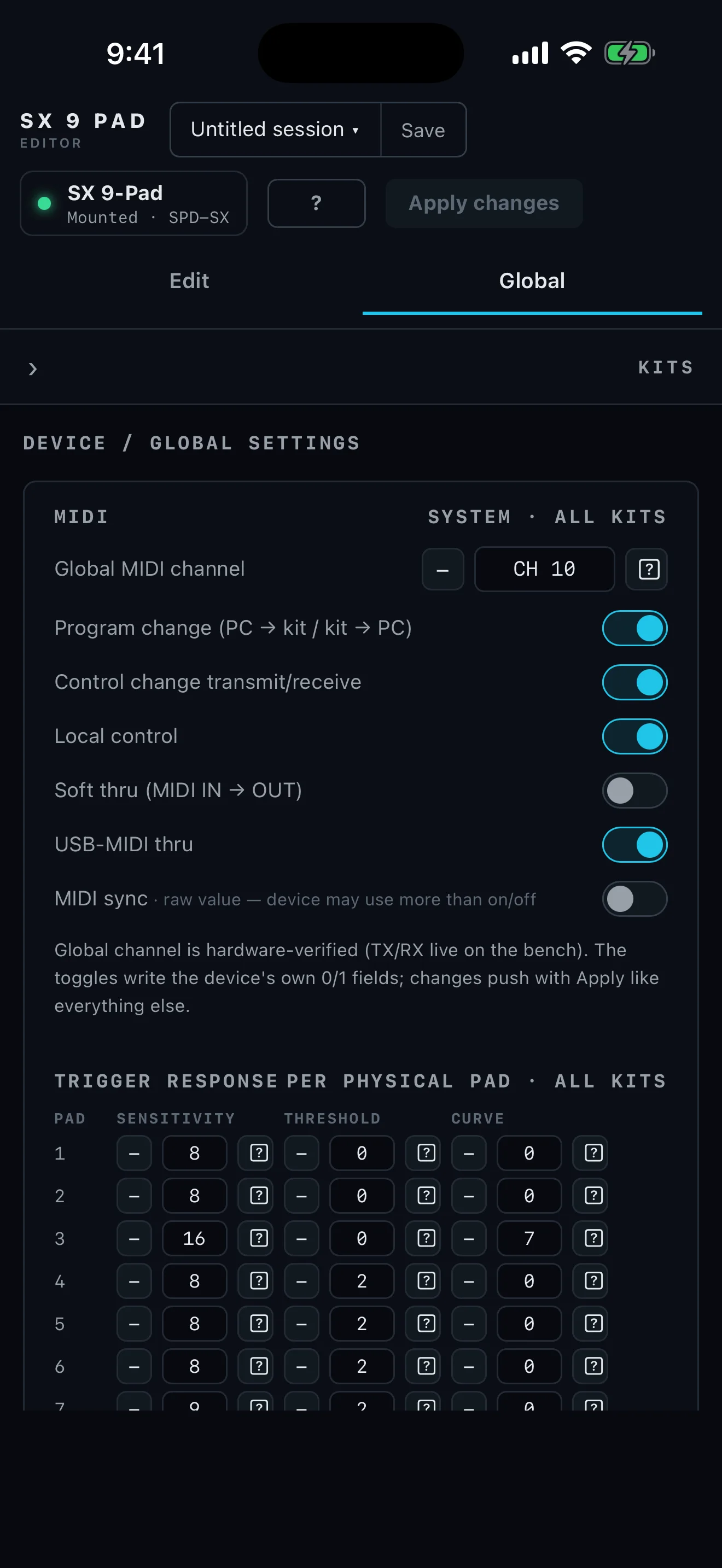
Connect the SPD-SX in Wave Manager mode. SX 9 opens the complete kit and wave structure so the musical setup is visible before anything is written.
See every pad and its assignments together instead of remembering what is hidden behind each hardware menu.
Import WAV, AIFF, MP3, or M4A/AAC. The editor converts incoming audio to the format the SPD-SX requires.
Destructive device work is staged and backed up first, with occupied slots checked before an import is applied.