
The real pedal surface
Your labels, LED colors, pages, and switches are drawn together instead of remembered one menu at a time.
Performance Editor · RJM Mastermind GT
See the pedal with your real switch labels and LED colors, then edit presets, songs, setlists, devices, macros, and global settings from one clear workspace.
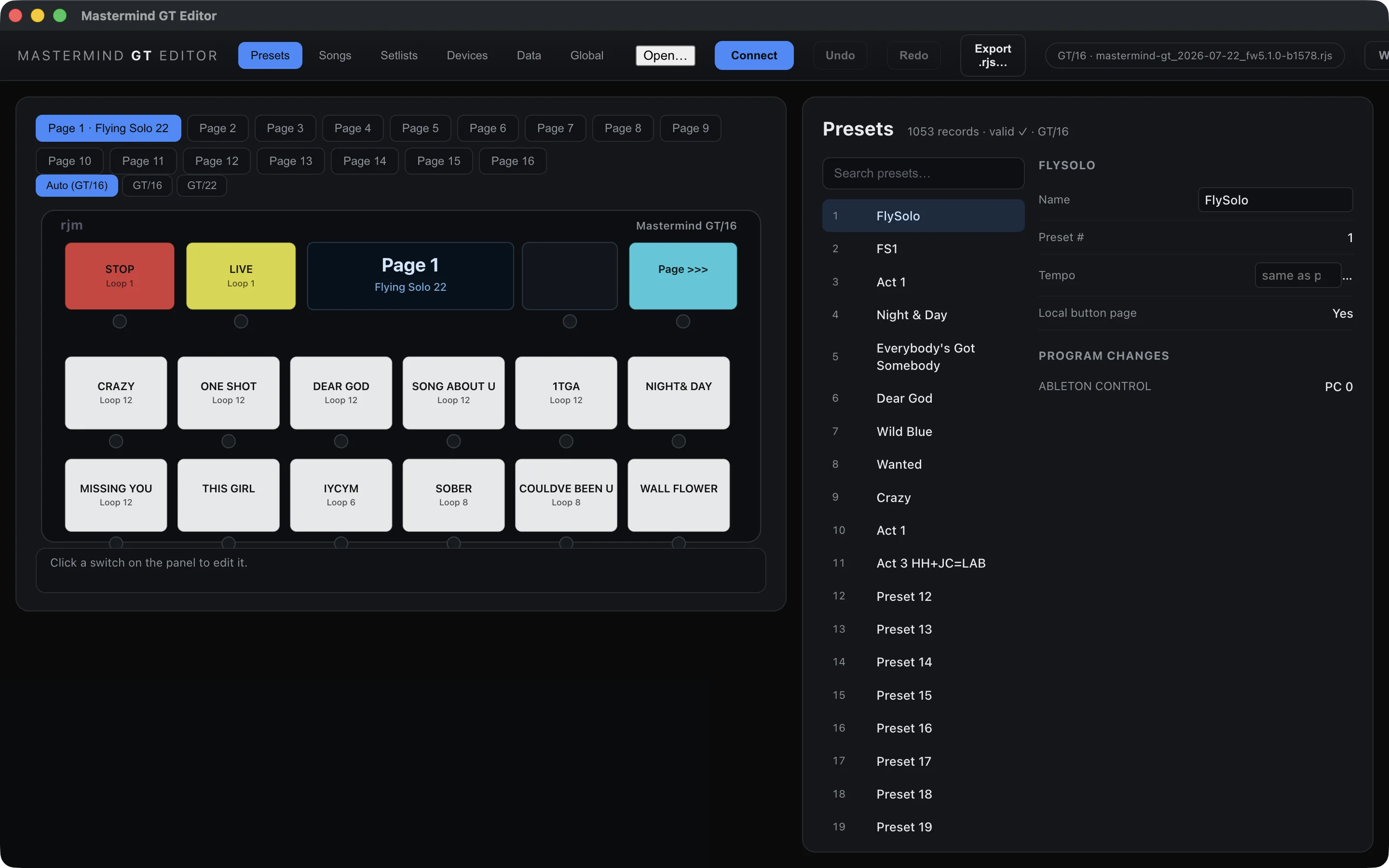
These are the real Mac and iPad interfaces. Swipe through presets, songs, setlists, devices, global settings, guided setup, and suite management.
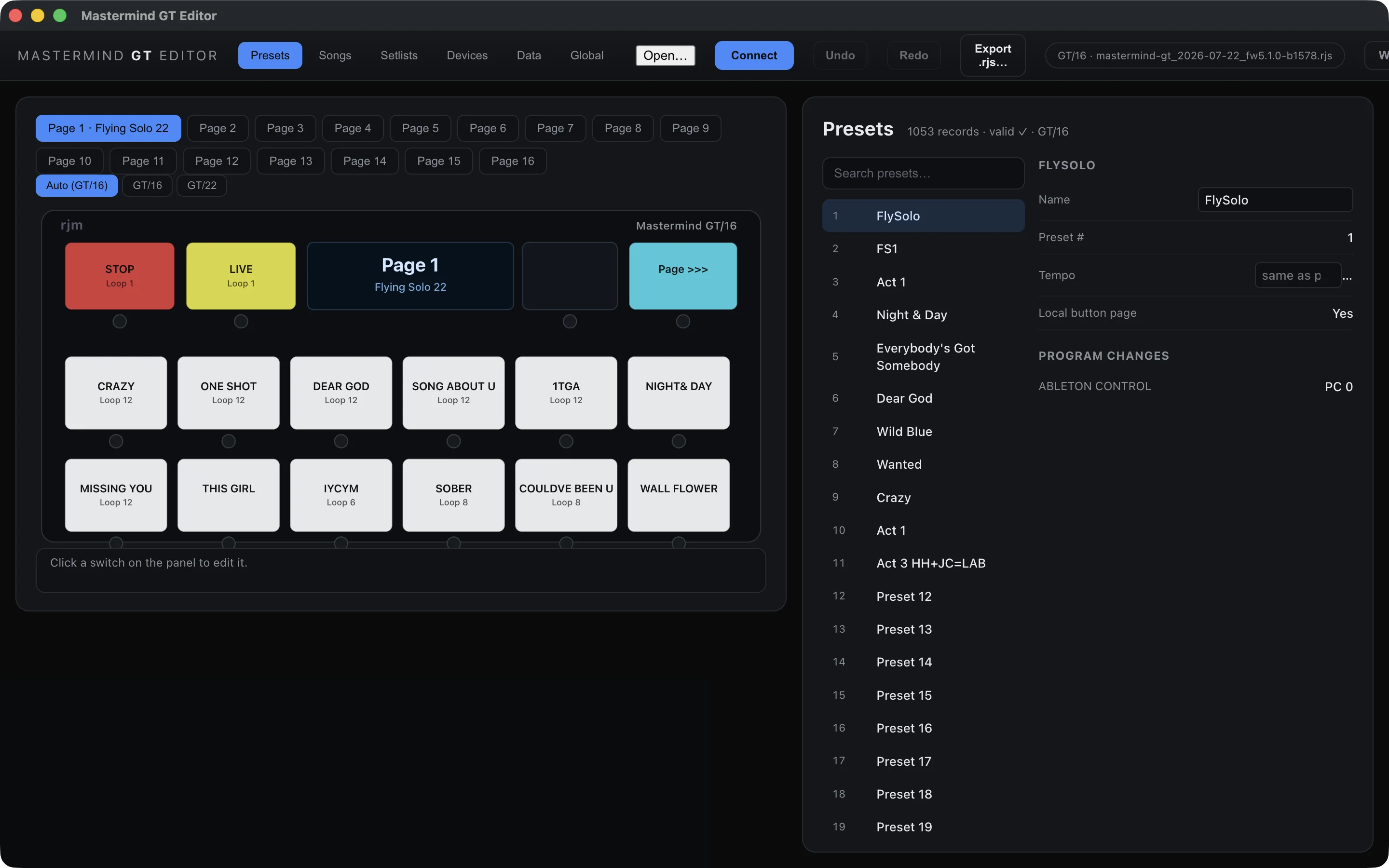
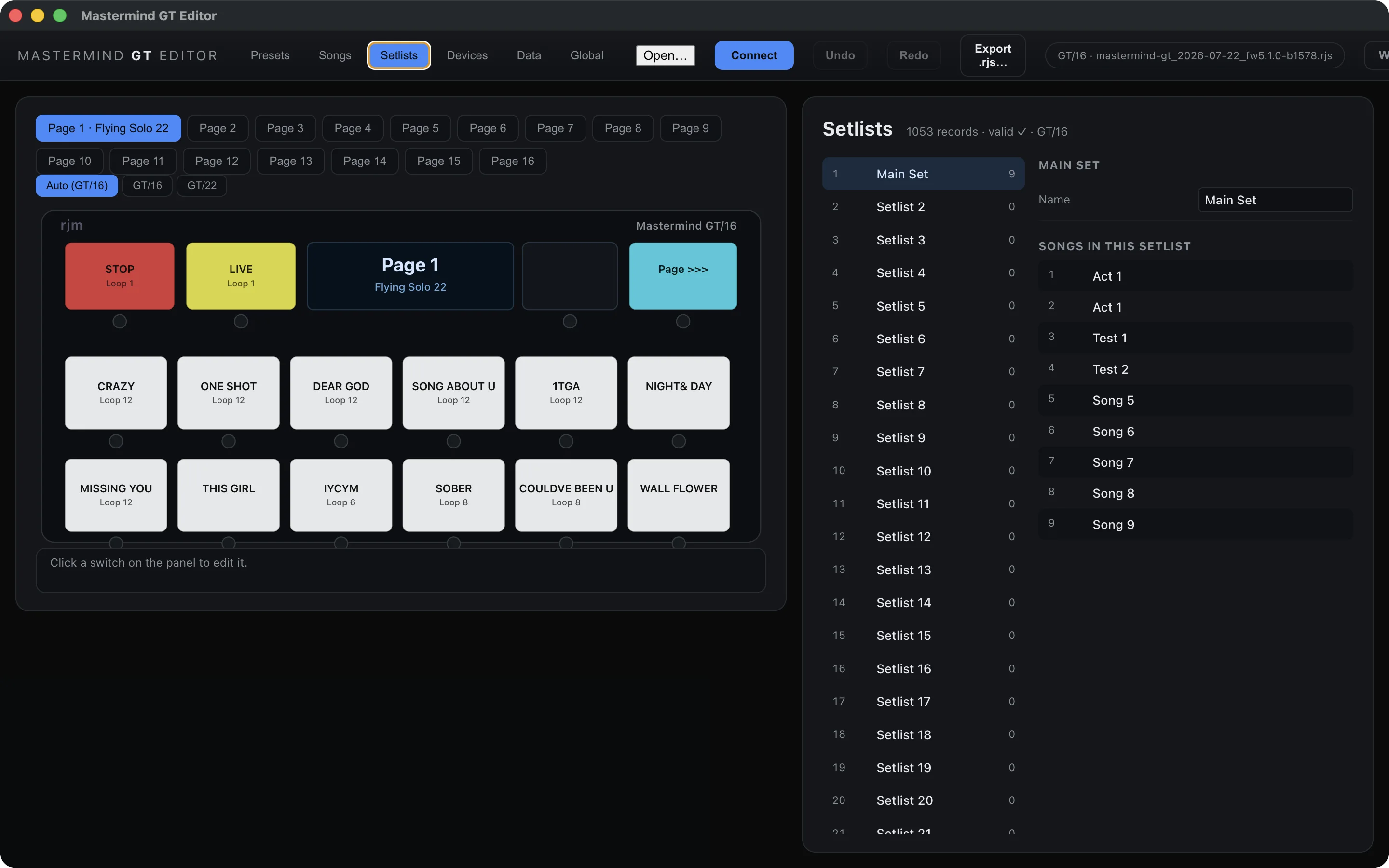
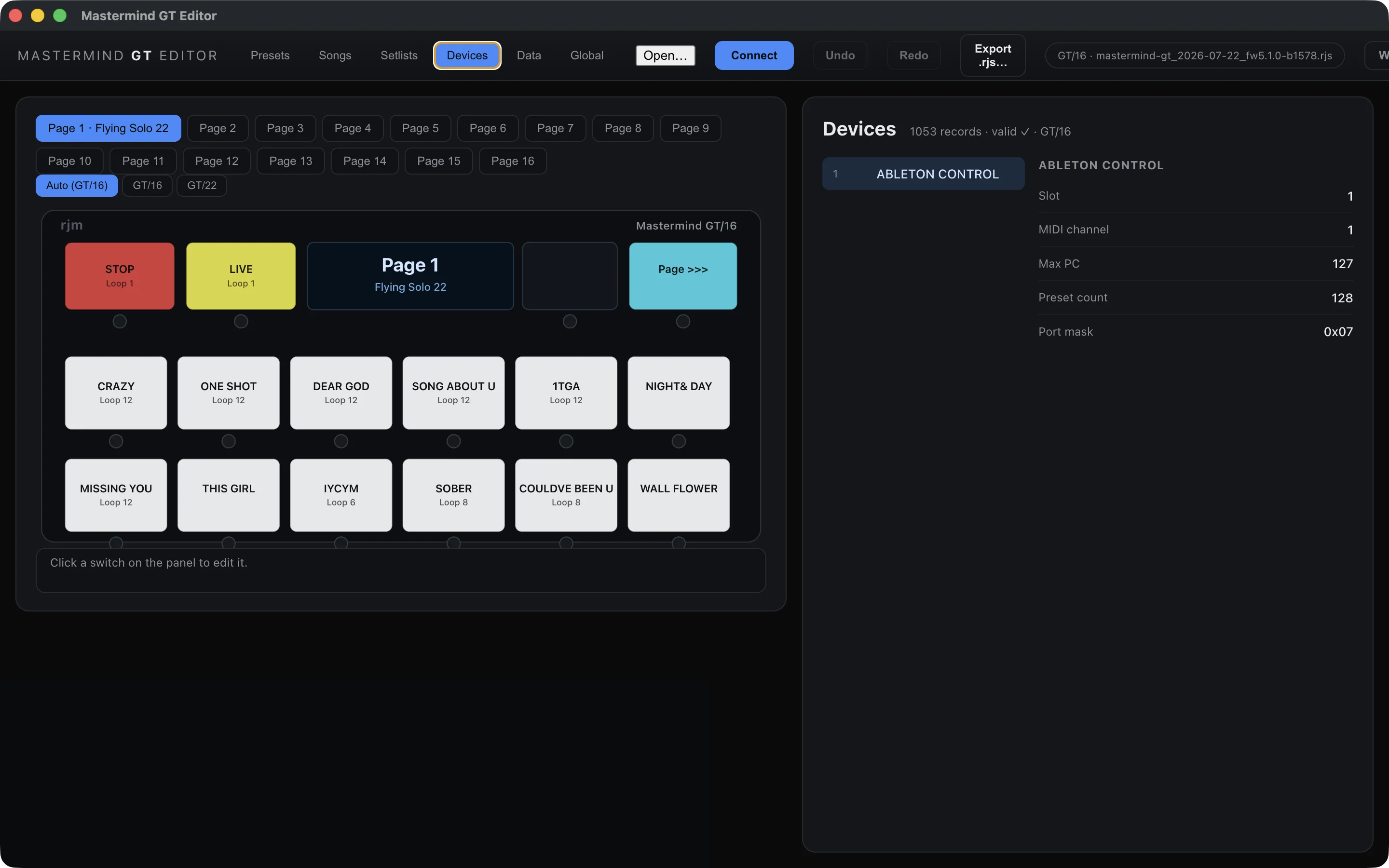
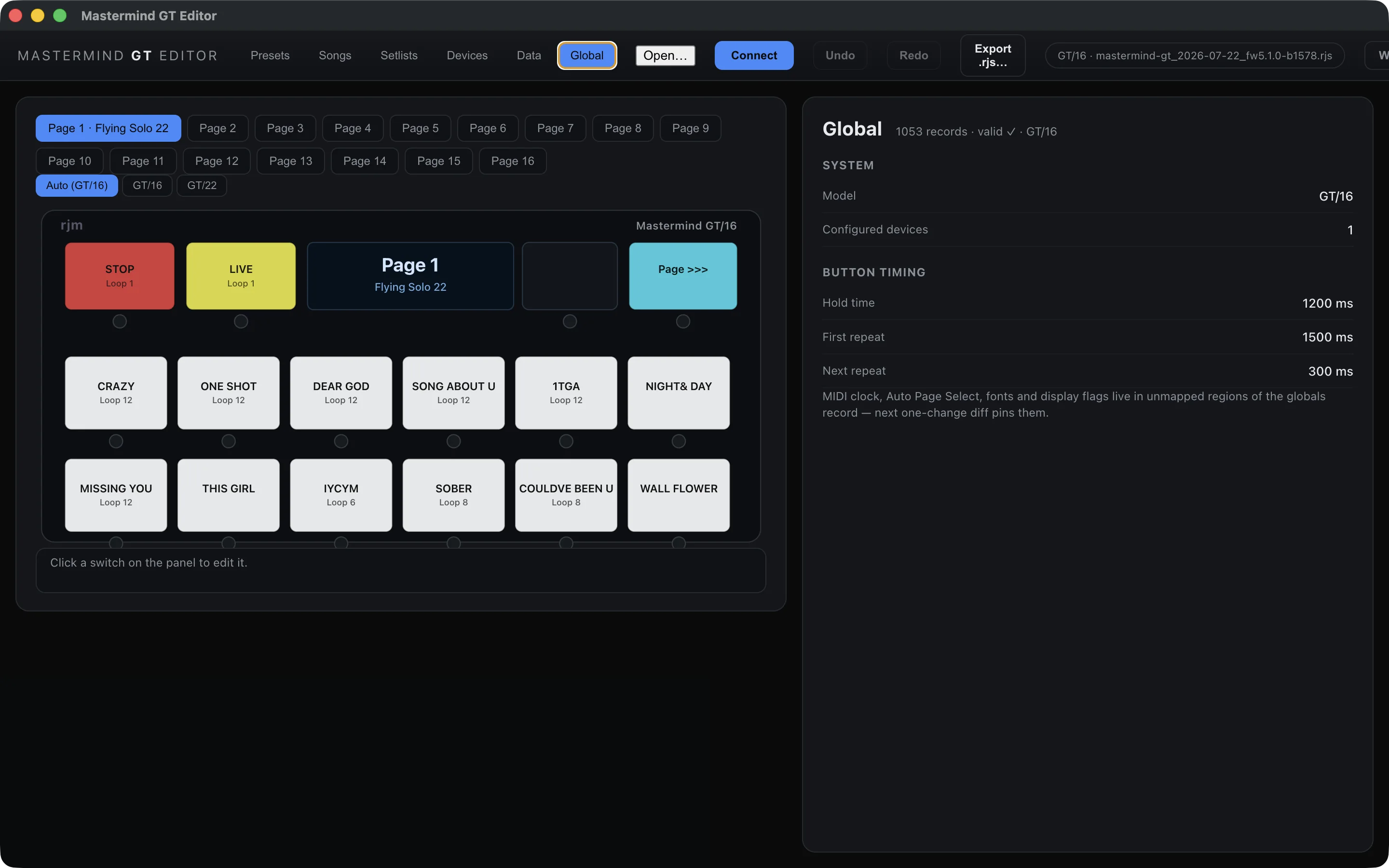
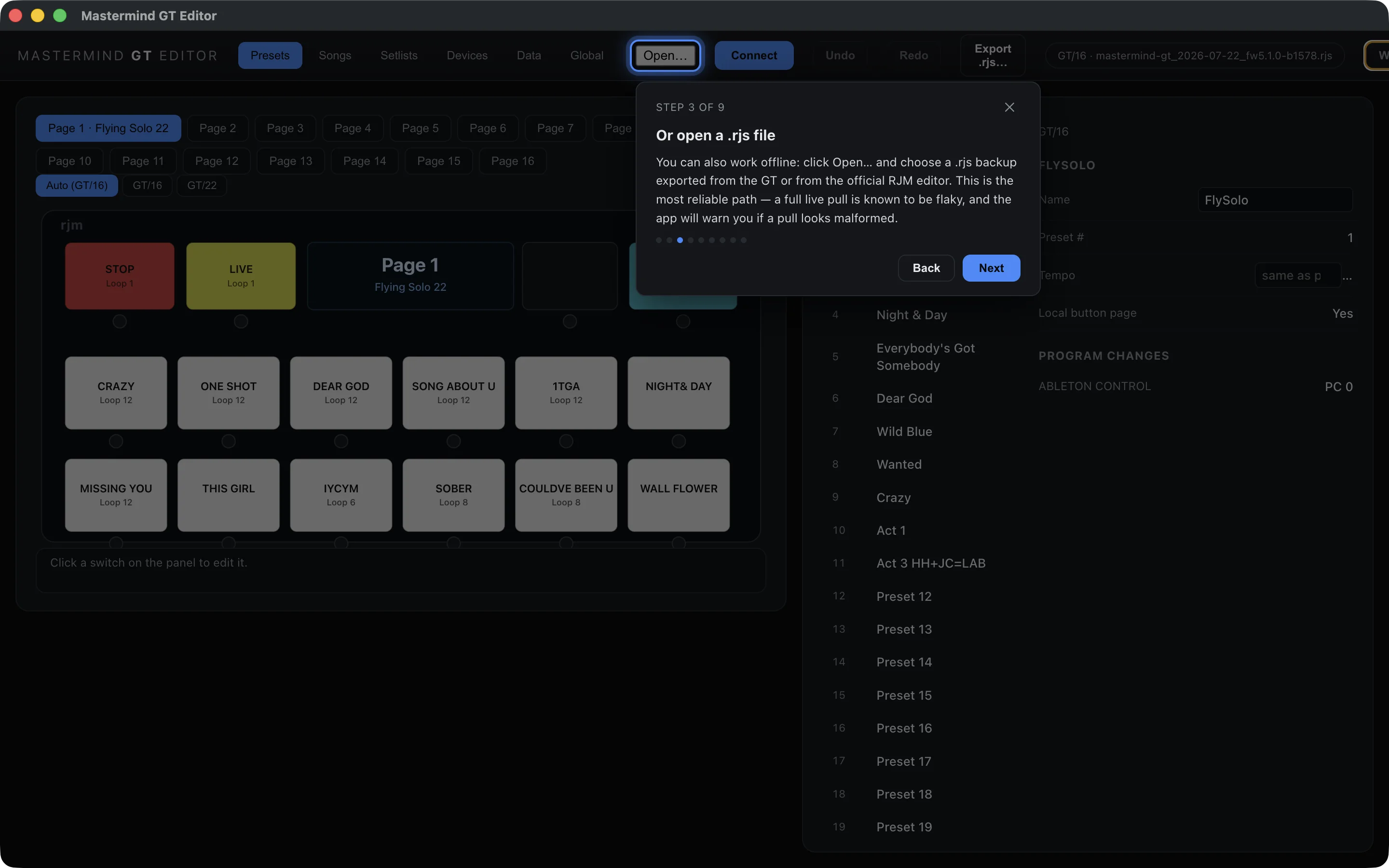
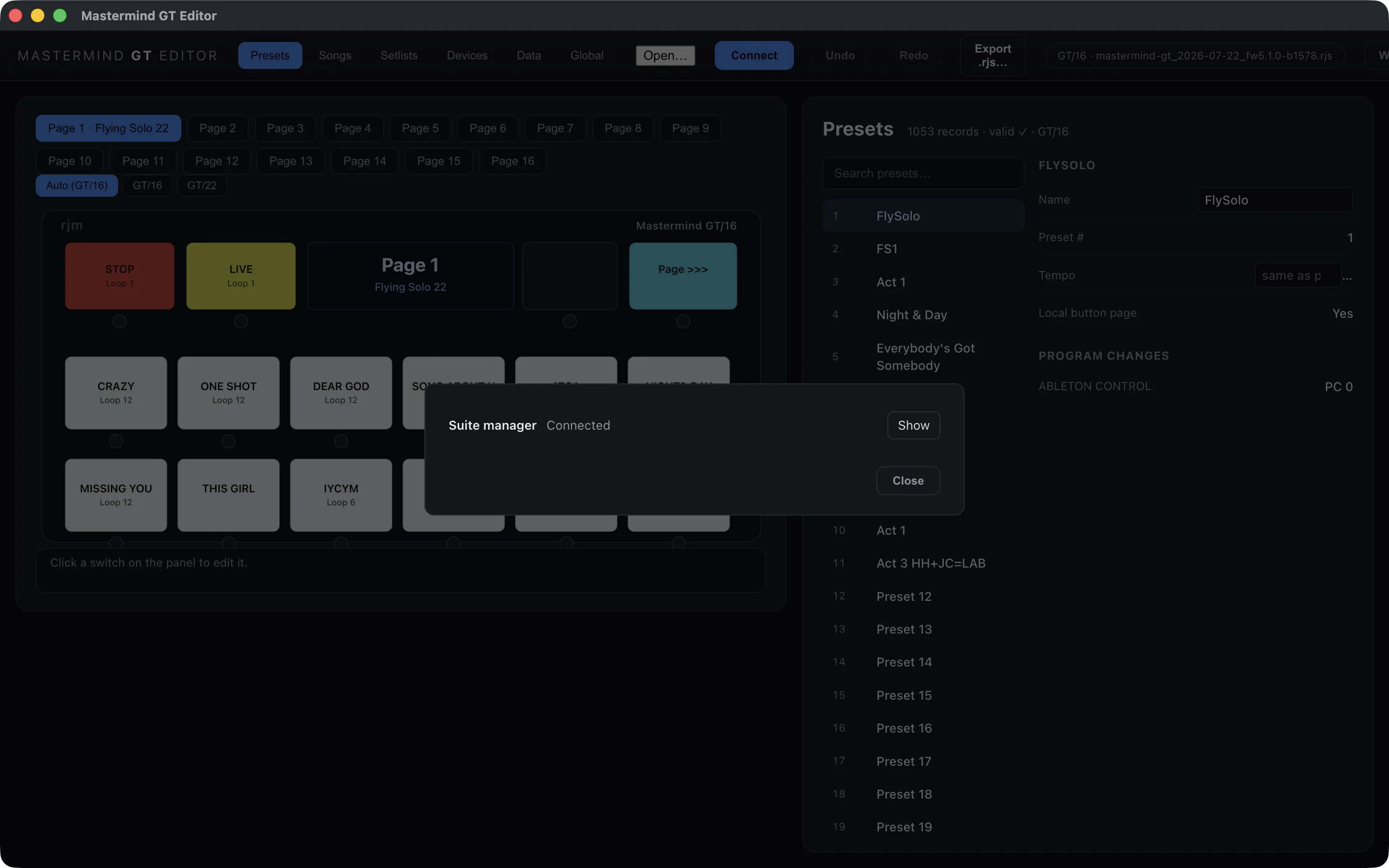
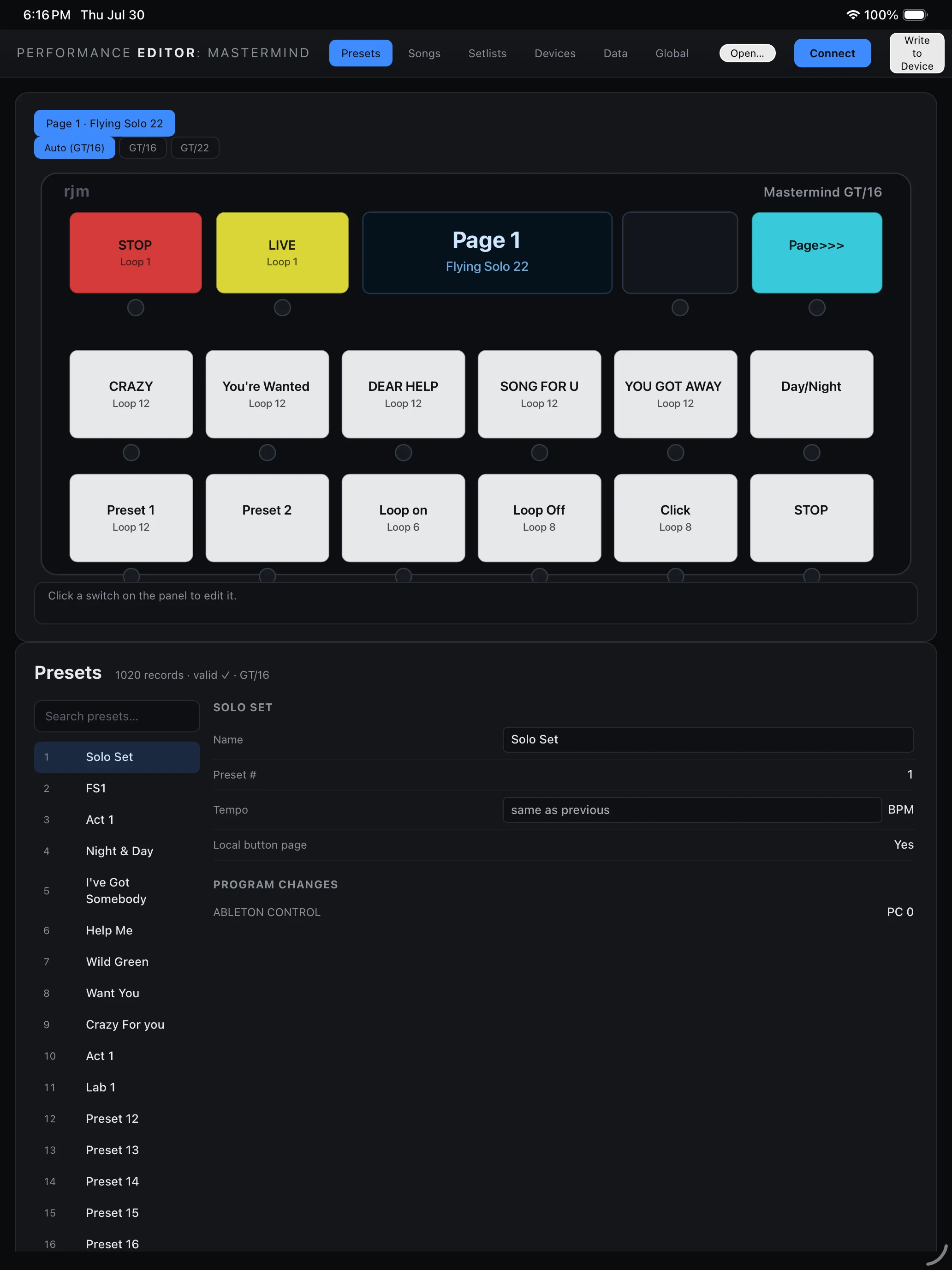
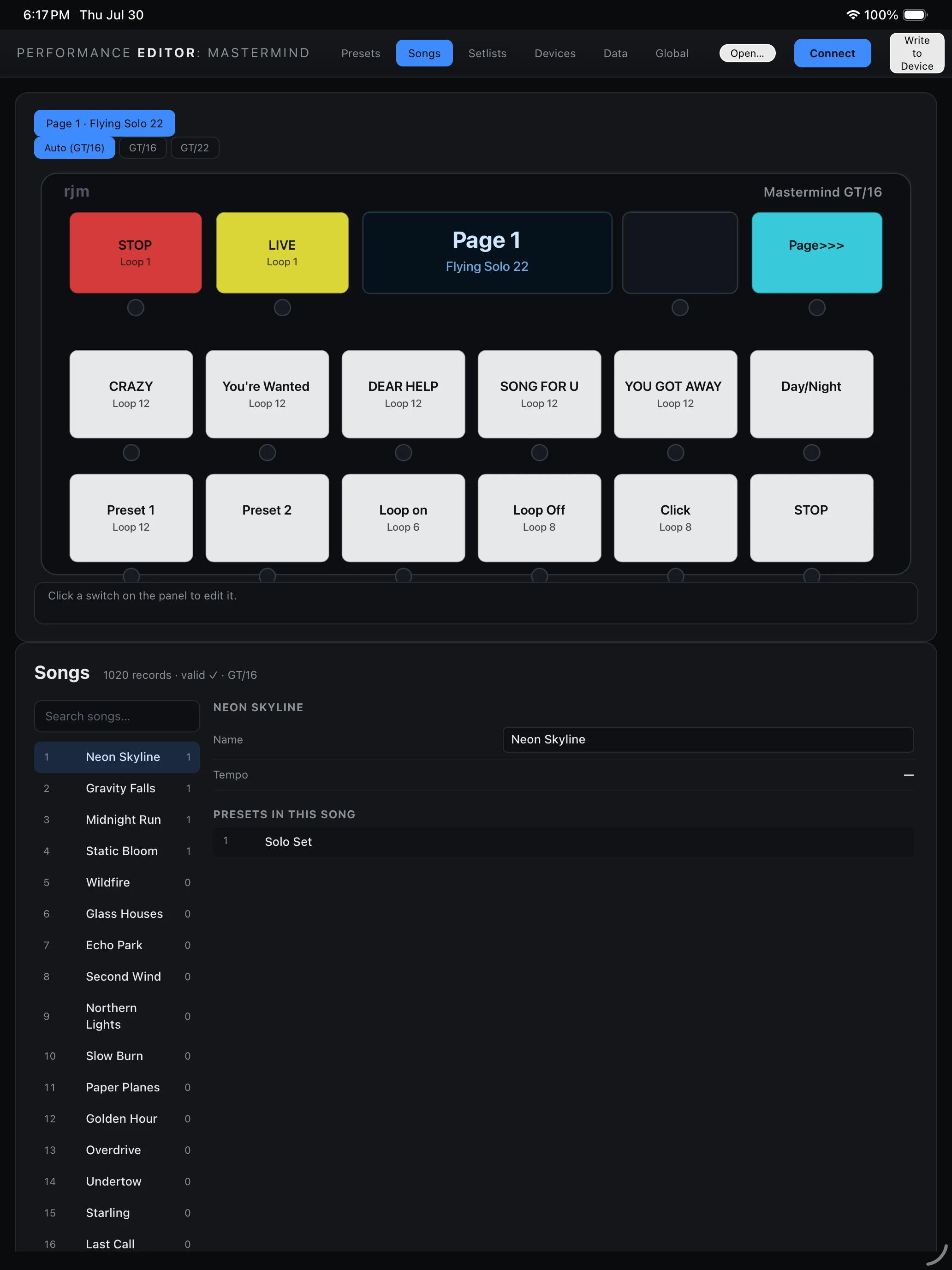
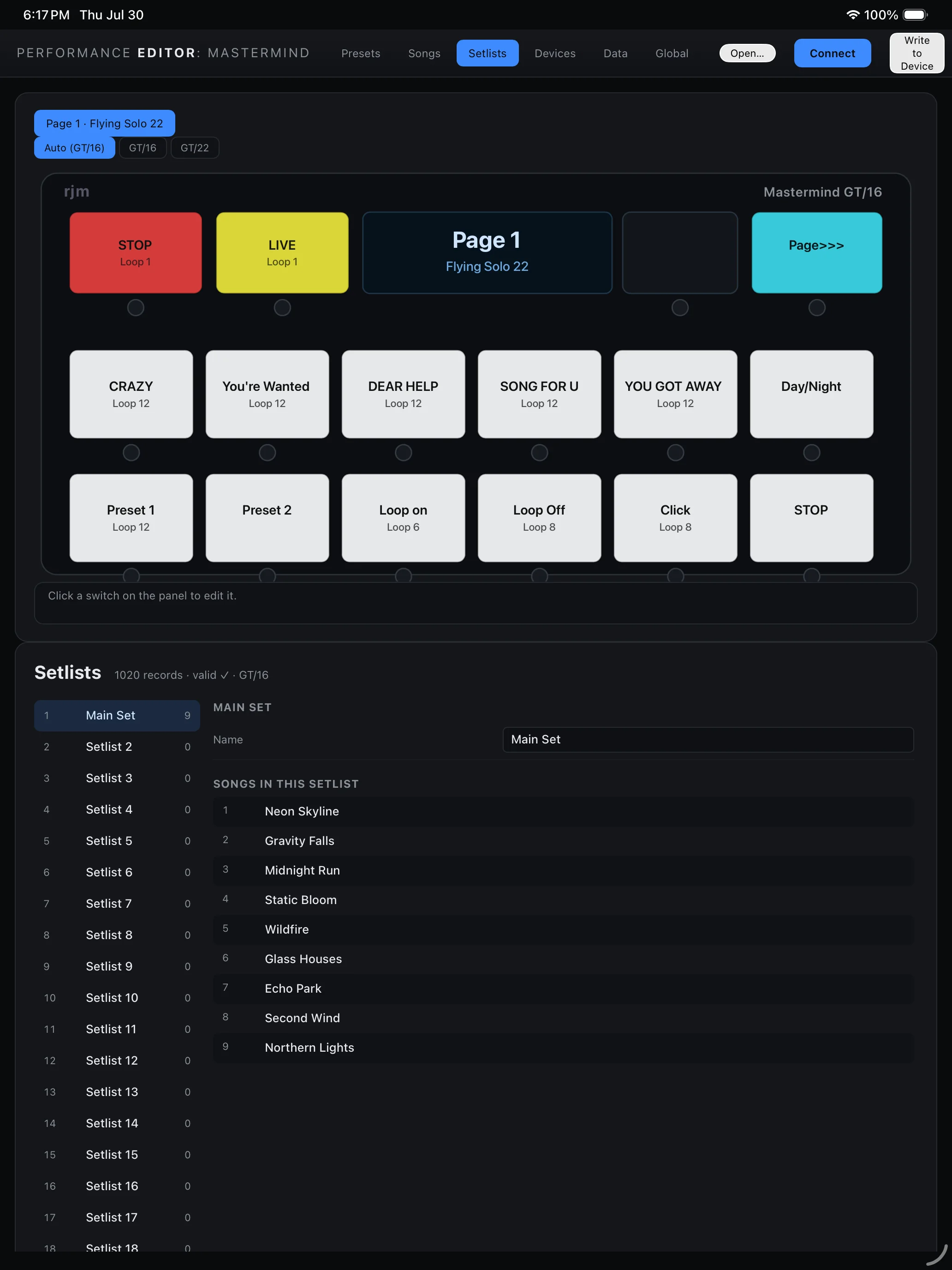
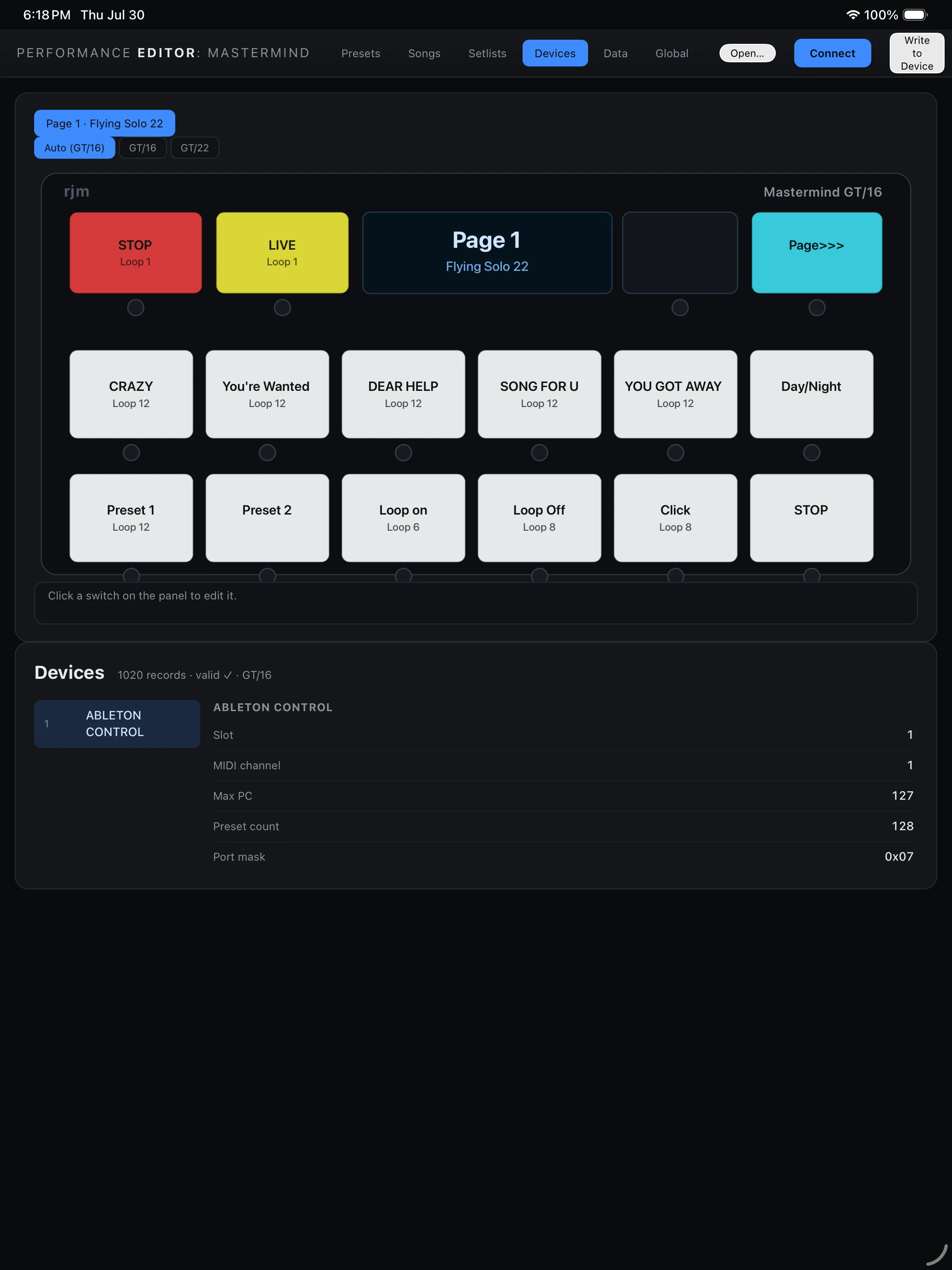
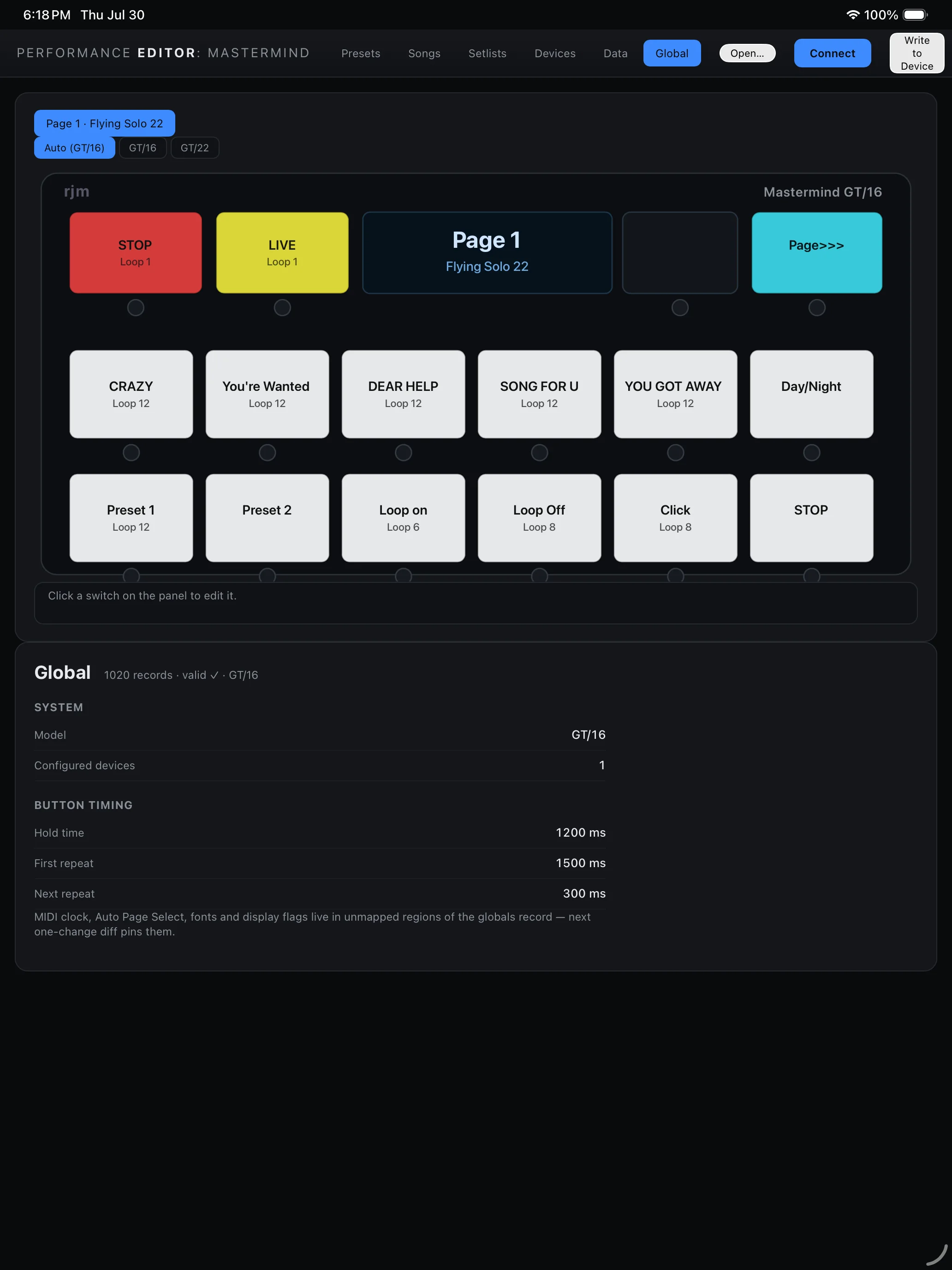
Open an existing .rjs file offline or connect a Mastermind GT over USB-MIDI. Edit on the bigger screen, then write the finished setup back to the hardware.
Your labels, LED colors, pages, and switches are drawn together instead of remembered one menu at a time.
Move between presets, songs, and setlists without losing the relationship between them.
Edit and back up .rjs files without the pedal, then pull from or write to real hardware when connected.
The RJM Mastermind GT. Connect it over USB-MIDI to pull settings from the pedal and write changes back.
Yes. Open and edit an existing .rjs file offline — no pedal and no network connection required — then write the finished setup back to the hardware when connected.
Presets, songs, setlists, devices, macros and global settings, with your real switch labels, LED colors, pages and switches drawn together instead of remembered one menu at a time.
No account and no network requests. Your files and settings stay local.
No. RJM and Mastermind GT are trademarks of RJM Music Technology; this editor is independently developed.
Mac and iPad. It is in development — see Mastermind support.
Written by Vince Romanelli, working percussionist and founder of Performance Percussion. Last updated August 18, 2026.